Important Information - Please read
- Deleting a company from Thesaurus Connect will remove all data from Thesaurus Connect for both the employer and employees. Once this action is performed, this data cannot be recovered.
- Before deleting a company, it is strongly advised that users ensure they have an up-to-date backup of their payroll data saved elsewhere for the tax years in which they were using Thesaurus Connect.
Assistance on how to create a payroll backup from within Thesaurus Payroll Manager can be found here
Deleting a Company in Thesaurus Connect
- Sign into your Connect account here by entering your username and password
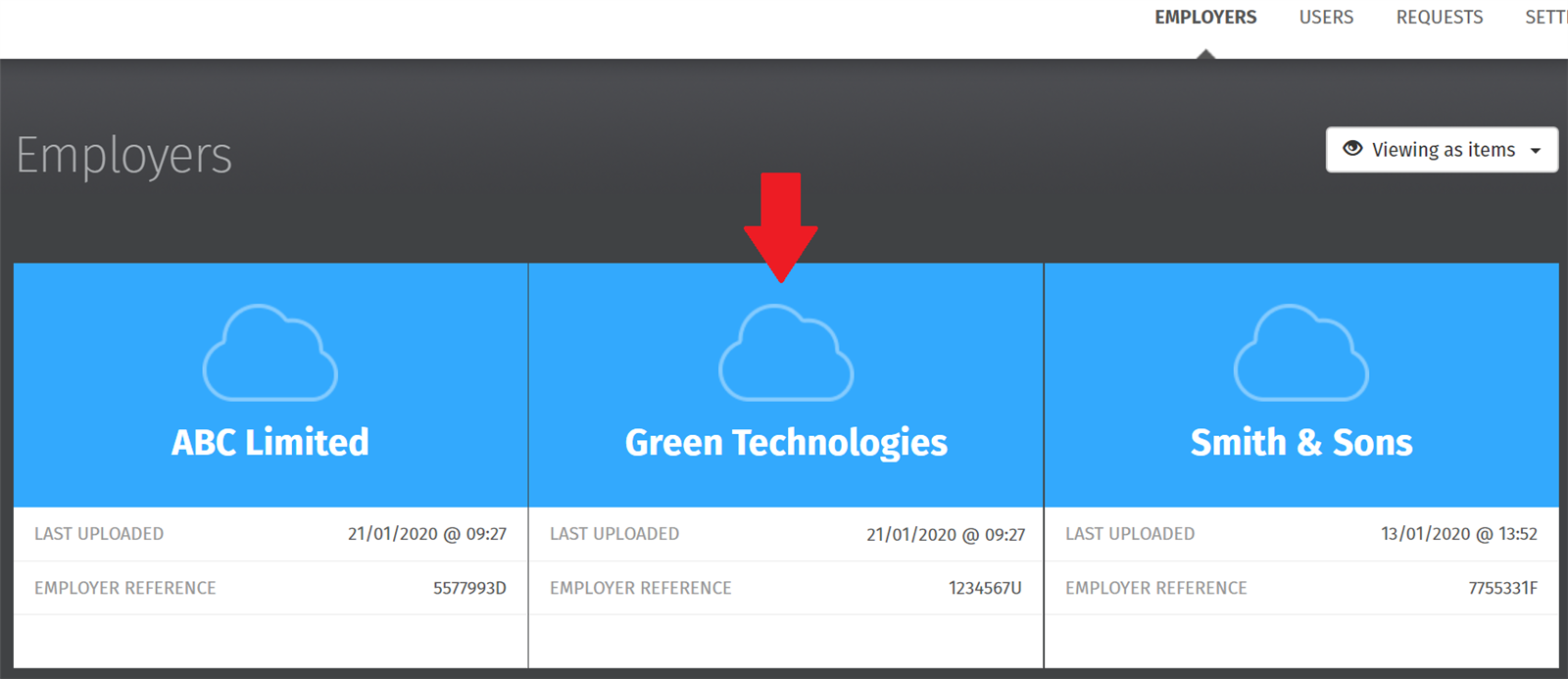
- Select the employer you wish to delete on your home dashboard:
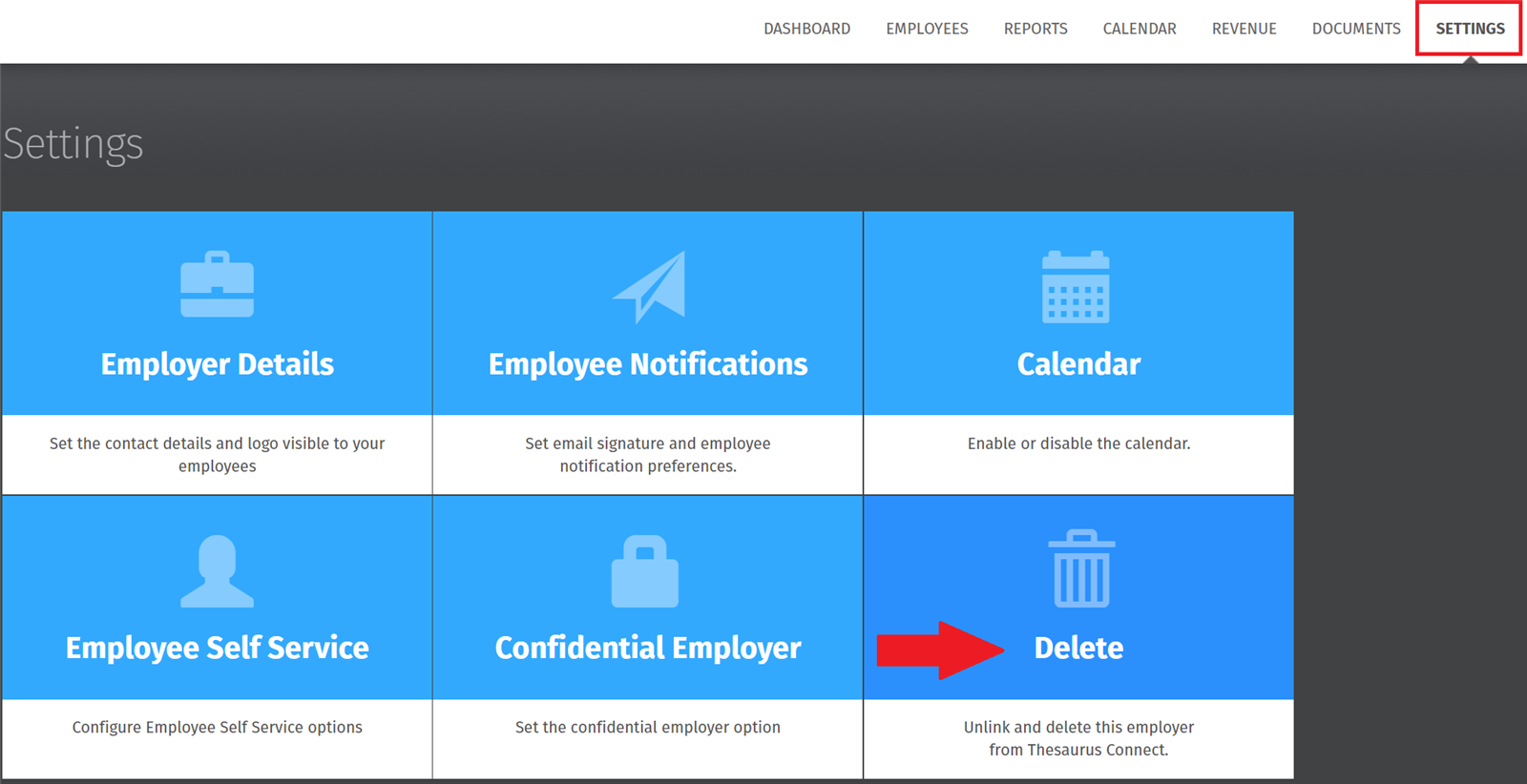
- Select Settings at the top right, followed by Delete:
- Type in your employer name to match as shown, and click Delete:
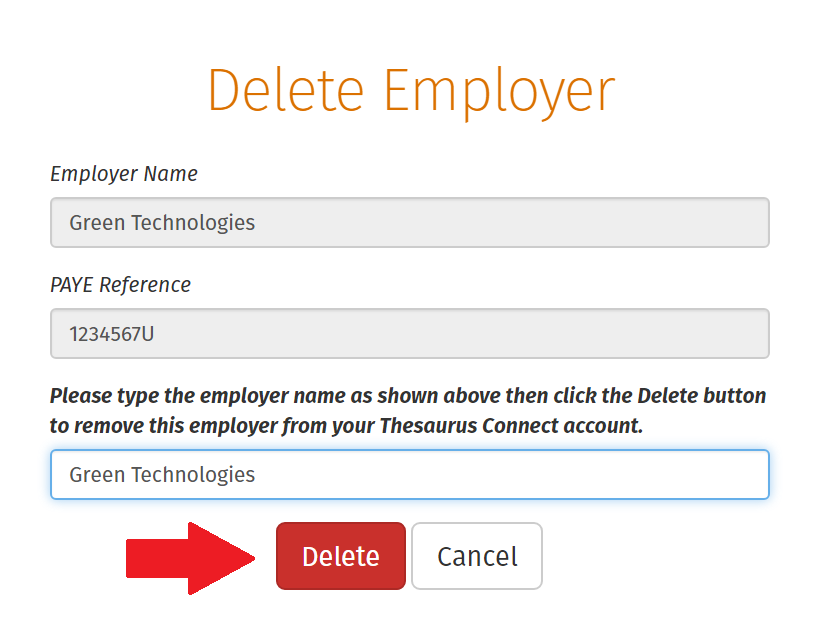
- Your employer data will now be removed from your Thesaurus Connect account.
Simply log out of your Thesaurus Connect account when ready to do so.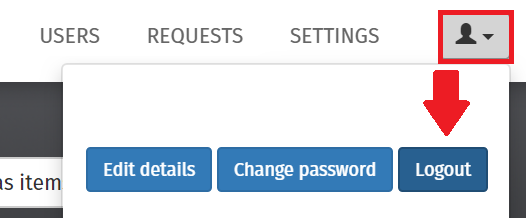
After completing the above, it is important to ensure that you are also signed out of Thesaurus Connect within your Thesaurus Payroll Manager software.
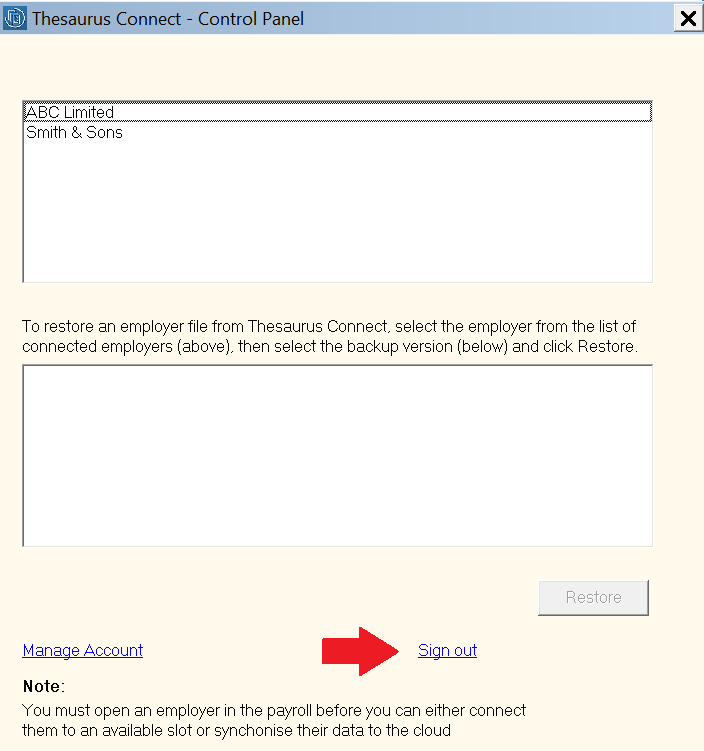
- To sign out, within Payroll Manager, go to 'Connect > Control Panel > Sign Out':