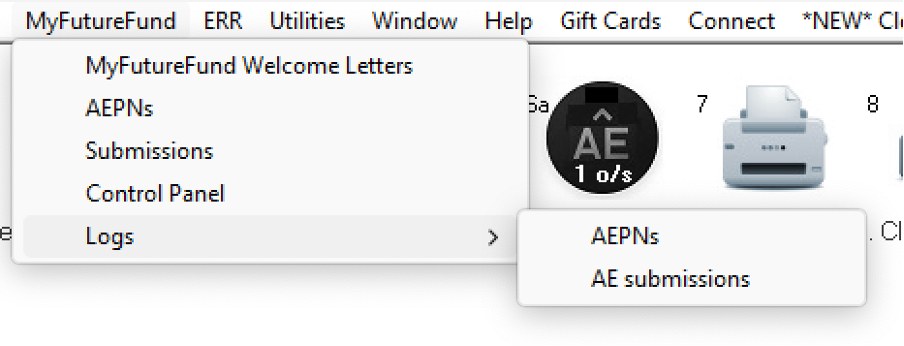
Important - Please make sure that you have registered the Employers on the MyFutureFund portal.
How to Process AE in Thesaurus Payroll Manager – Step-by-Step
1. Receiving AEPN Notifications
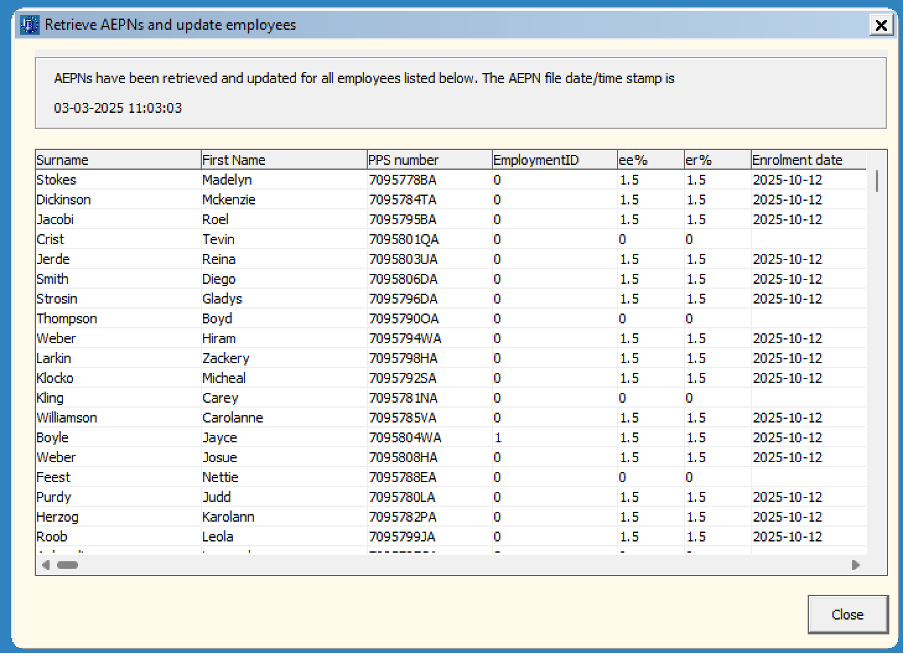
NAERSA will receive information when you retrieve your RPN or in respect of new employees when an employment is registered with Revenue
- Click on Icon 2a
- AEPN's will automatically download
- Close
2. Processing Payroll
- AE contributions calculate automatically
- Shown on payslips & reports
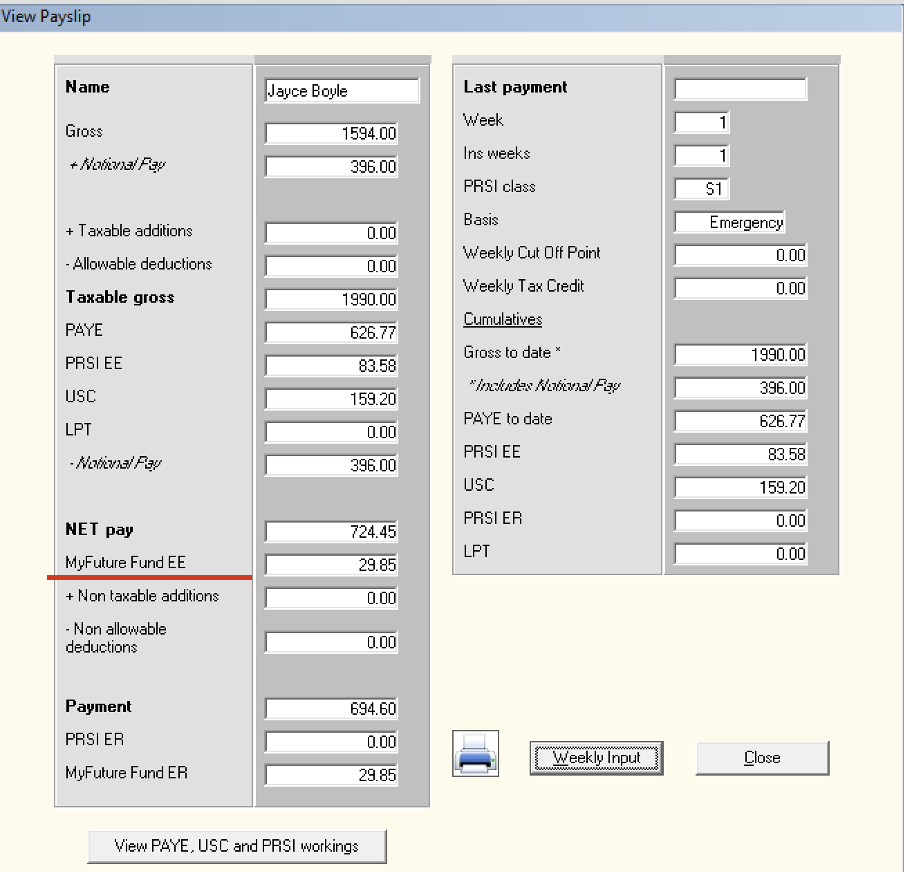
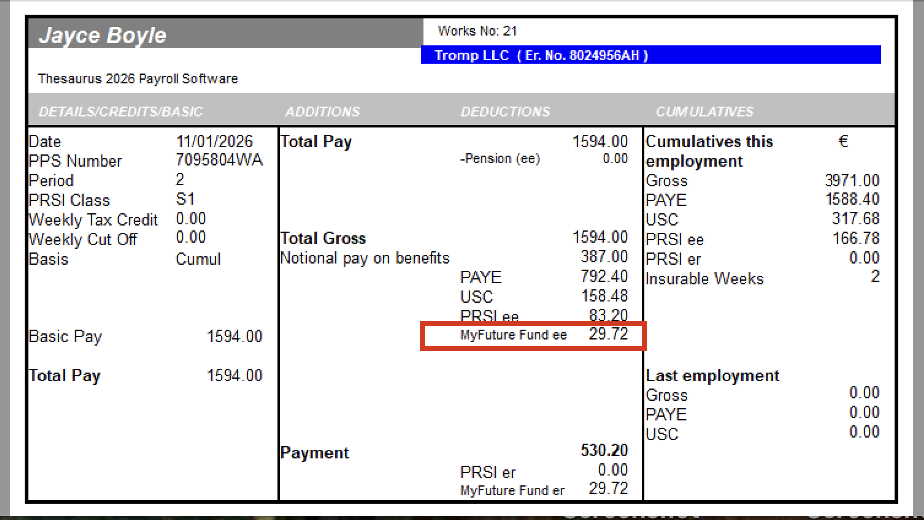
3. Submitting AECS
- Update the payslips
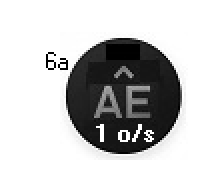
- AECS is generated alongside PSR Icon 6a
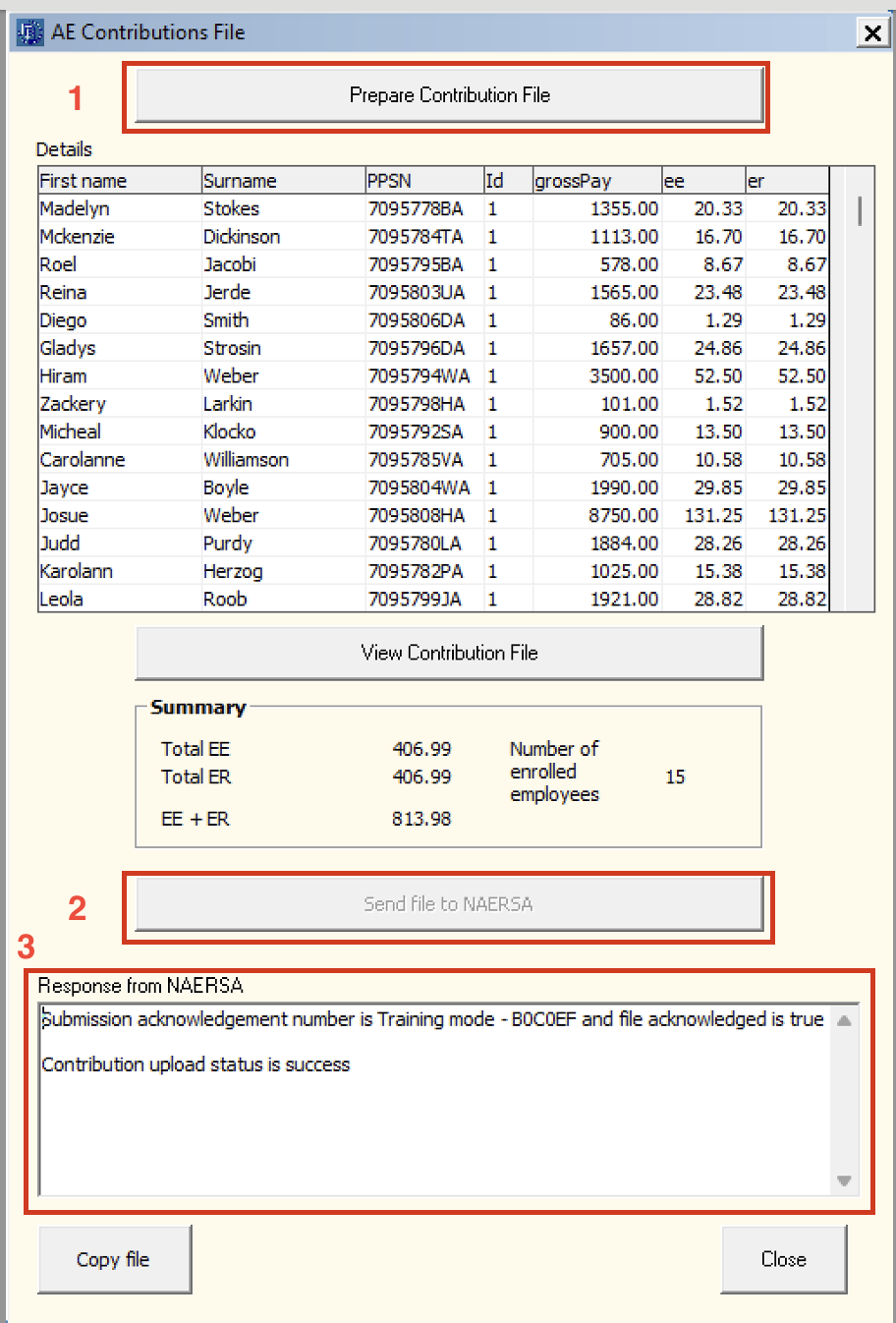
- Click on Prepare Contribution File > Send File to NAERSA > Close before 6.30pm on payday (as corrections are no longer accepted after this time)
4. Employee Letters
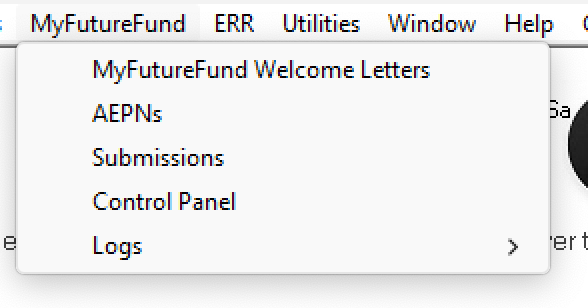
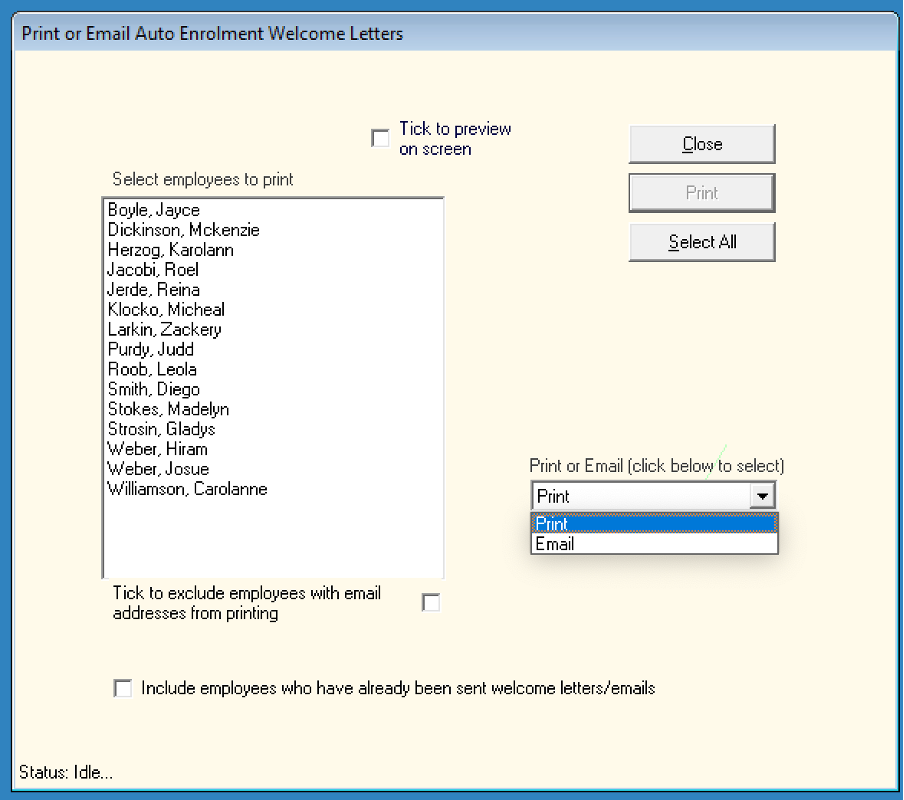
- Go to My Future Fund > My Future Fund Welcome Letters
- Choose Print/ Email Auto Enrolment Letters
5. Records
- AEPN Details are recorded in the employee’s file
- Go to My Future Fund > Logs > AEPN