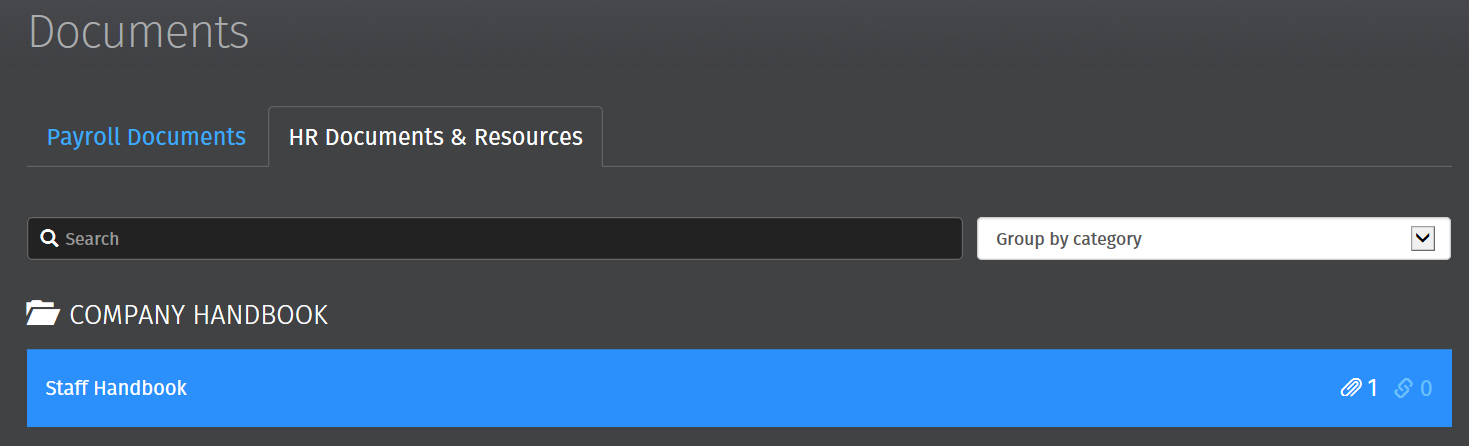
The Documents page gives an employee access to their payslips and other documents relating to their employment.
Accessing Your Documents
Click 'Browse All Documents' to access all documents that have been uploaded to Thesaurus Connect for you. Alternatively, click 'Documents' on the top menu bar.
Payroll Documents
2) Select the document you wish to view. This will now be previewed on screen.
3) Click the 'download' button at the top right to save the document to PDF.
HR Documents & Resources
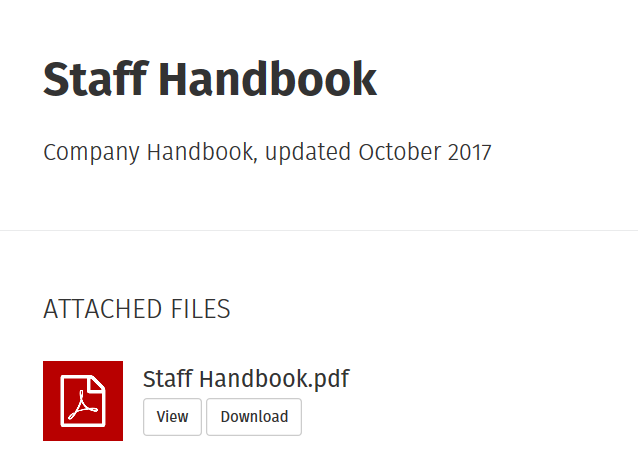
1) Any HR documents or resources that your employer has uploaded for you e.g. your contract of employment, company handbook etc. can be accessed within the HR Documents & Resources section.
2) Simply click on a document to view or download, as required