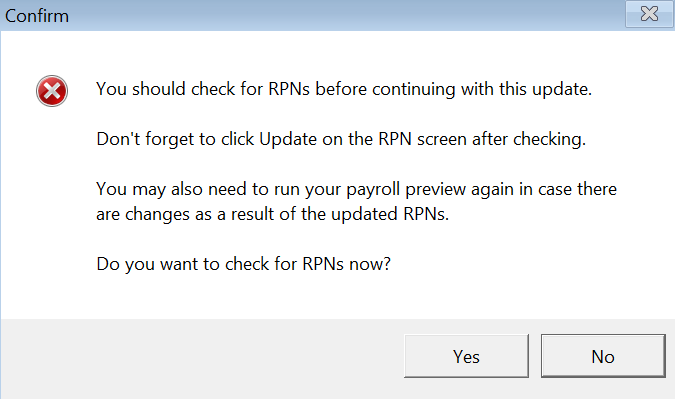
Thesaurus Payroll Manager keeps a log of all RPN imports and will provide reminders where no RPNs have been imported for any of the employees in the pay run.
Viewing the RPN Log for a Single Employee
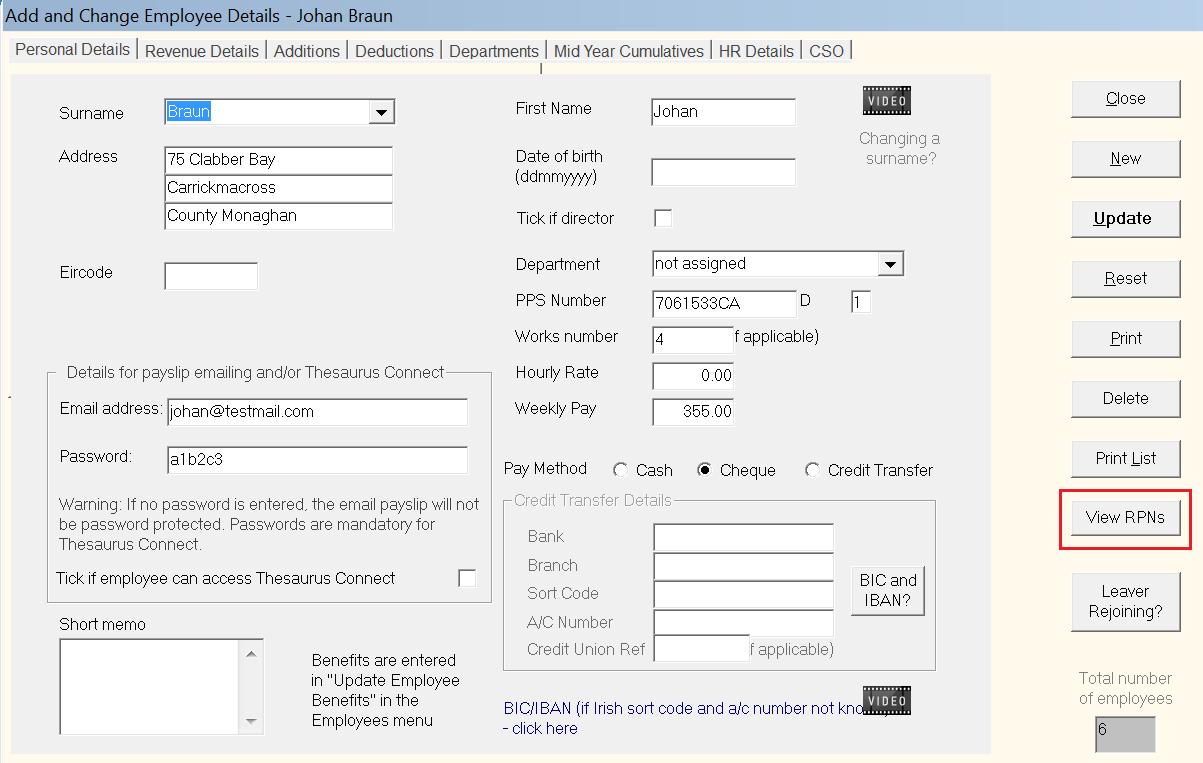
To view the RPN import history for one employee, go to Process Icon No. 1 or Employees > Add/Amend Employees.

Select the employee and click the View RPNs button
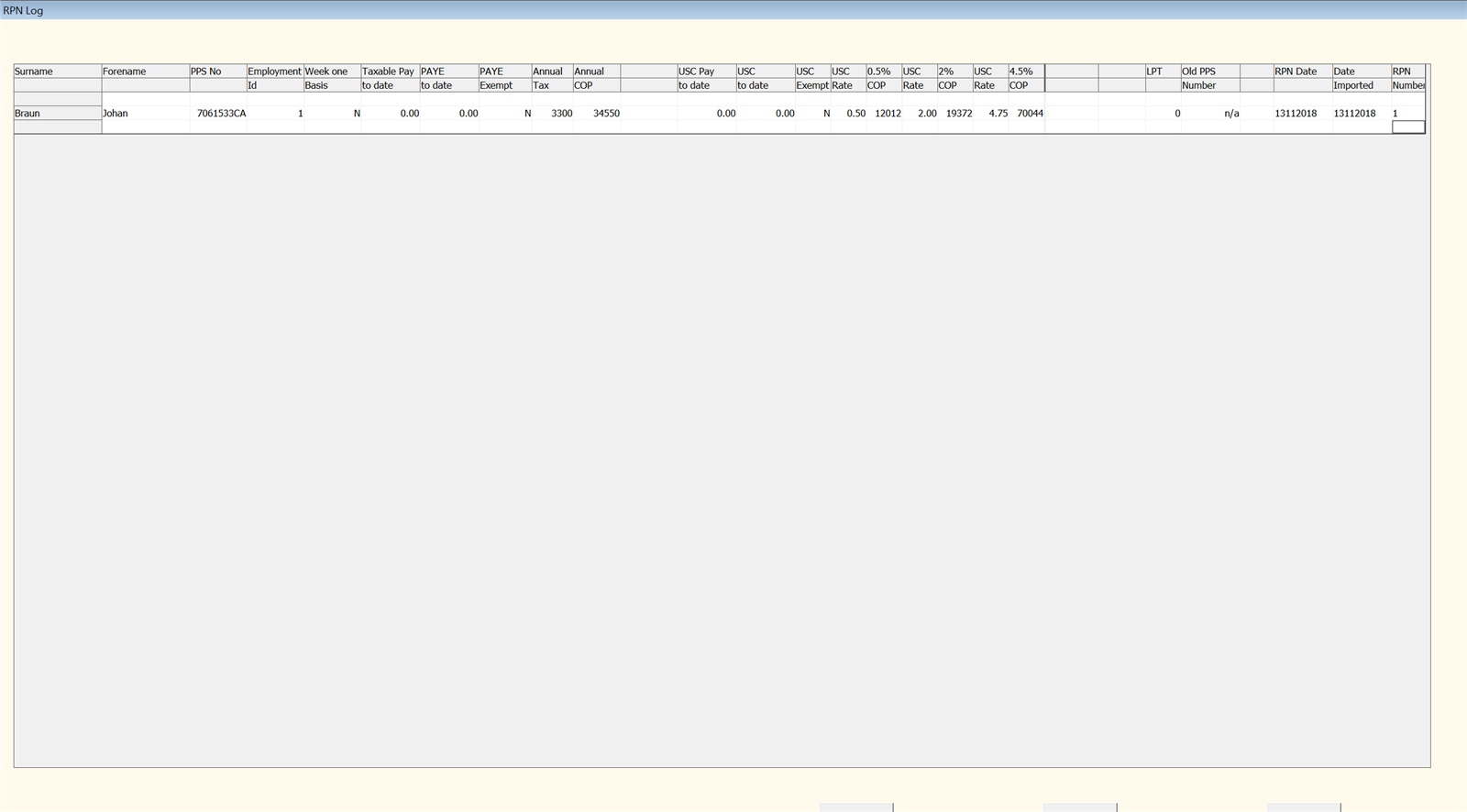
The RPN log will be displayed on screen. This can subsequently be copied to Excel, if required.
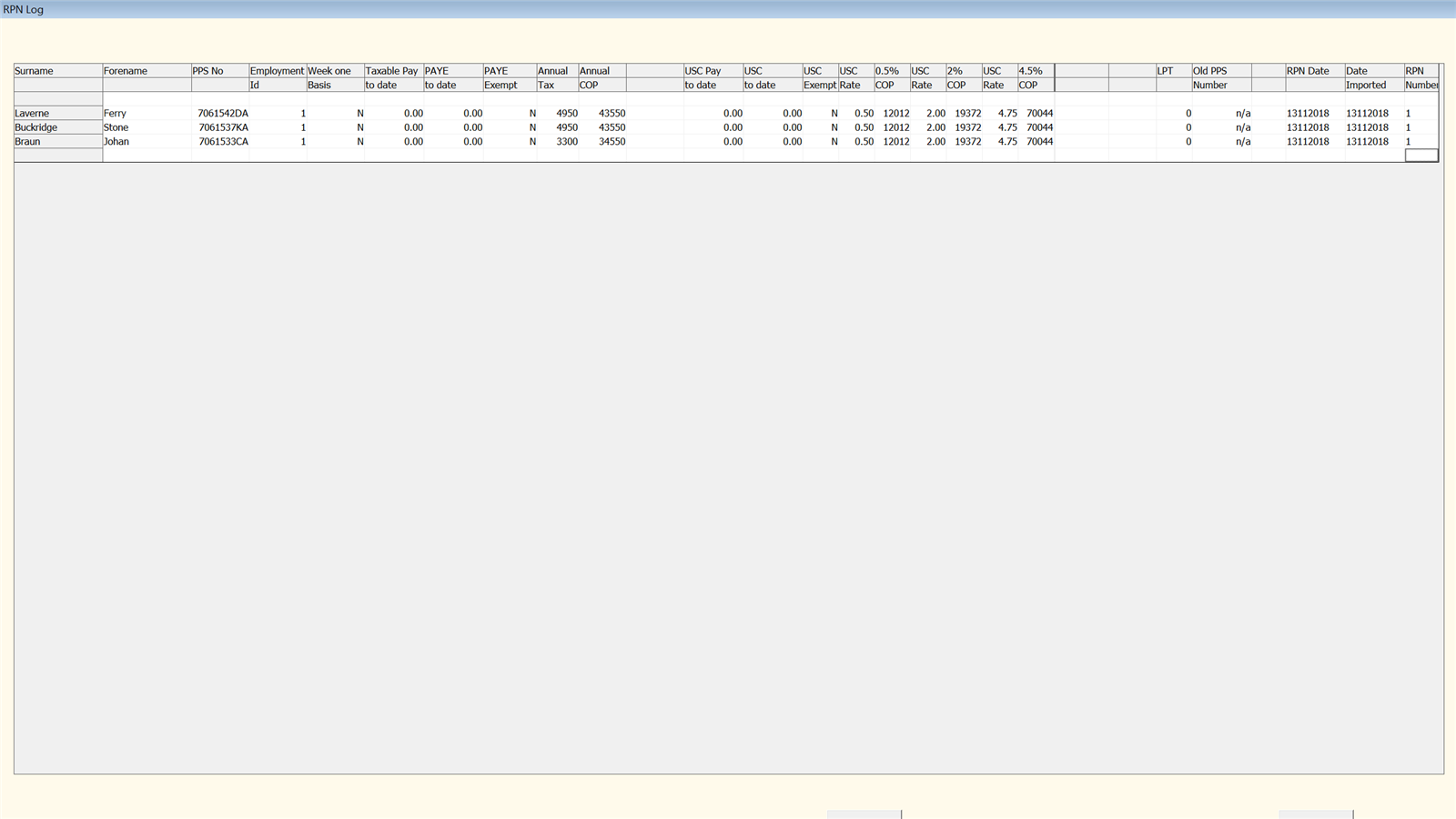
In addition, clicking 'Show All' while in this screen will display all employees' RPN import history.
Viewing the RPN Log for All Employees
To view RPN import history for all employees, go to RPNs > View Logs
All employees for whom one or more RPN files have been imported will be shown on screen. This can subsequently be copied to Excel, if required.
RPN Reminders
At the time of updating your payroll, if the software detects that no RPN details have been imported for any of your employees in a pay run, a reminder will appear on screen to prompt you to do so: