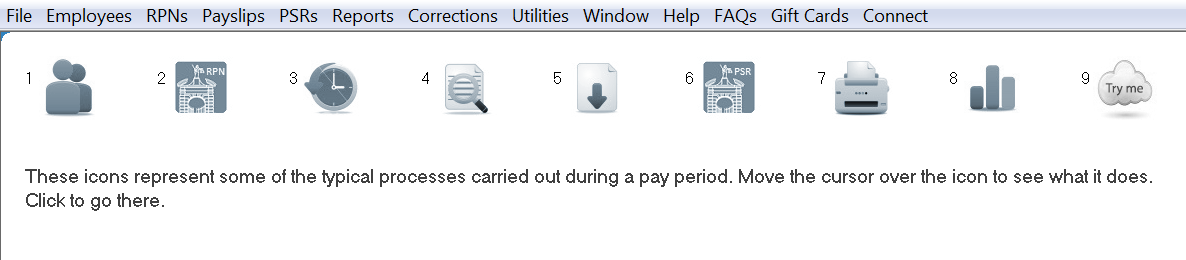
The process icons in Payroll Manager are designed to provide quick access to the typical processes users will carry out each pay period.
In the software, simply hover over each icon for a description of what it does.
Process Icons disappeared?
In the rare event that your process icons disappear from view, simply close out of the company and re-open again.
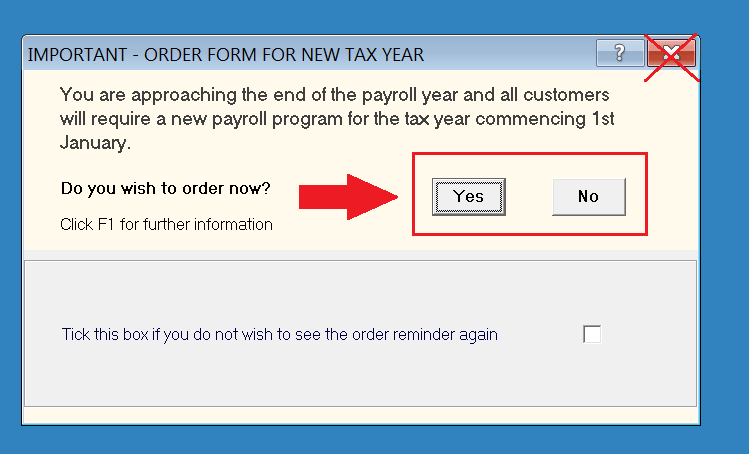
In the event that your process icons disappear after you close the order form prompt, ensure you select either the 'Yes' or 'No' button (rather than using the top right 'X' to close the screen) the next time you open the company :