To access this utility go to File > Restore Data Files: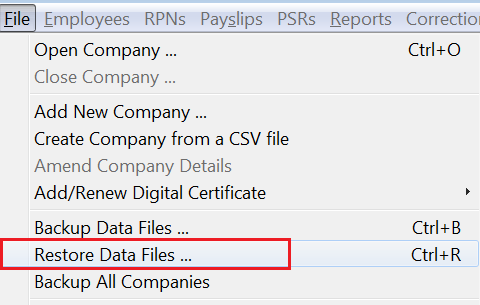
- Select the location of your backup e.g. USB key, Network drive etc.
- Highlight the company that you are restoring the data files for.
- Click 'Restore' to restore the payroll data files from the desired location
Points to note
- if the company is not set up in the software, the program will automatically detect this and will set up the company from the backup. Therefore, there is no requirement to set up the company first under 'Add New Company'.
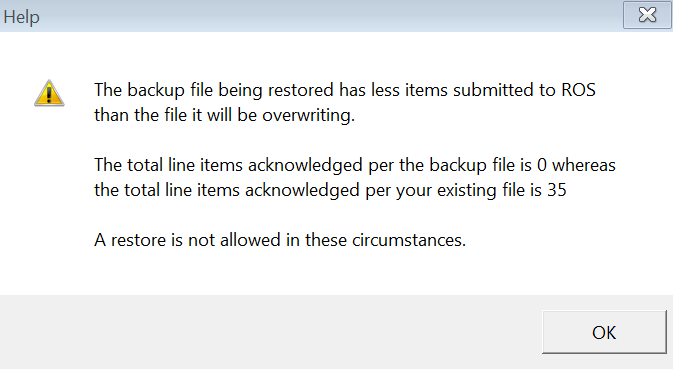
- In some instances, a restore will not be possible - for example, if you attempt to restore an older backup over a current dataset that has more payroll submissions submitted to ROS in it, you will be given the following prompt: