
Since 1st January 2019, employers are no longer be required to issue a P45 to an employee and submit the P45 Part 1 to Revenue.
Instead, an employee’s leave date is reported to Revenue in the final payroll submission made for the employee.
Therefore, to process a leaver in Thesaurus Payroll Manager, you must enter their leave date at the time of entering final payment to them and before you update the pay period.
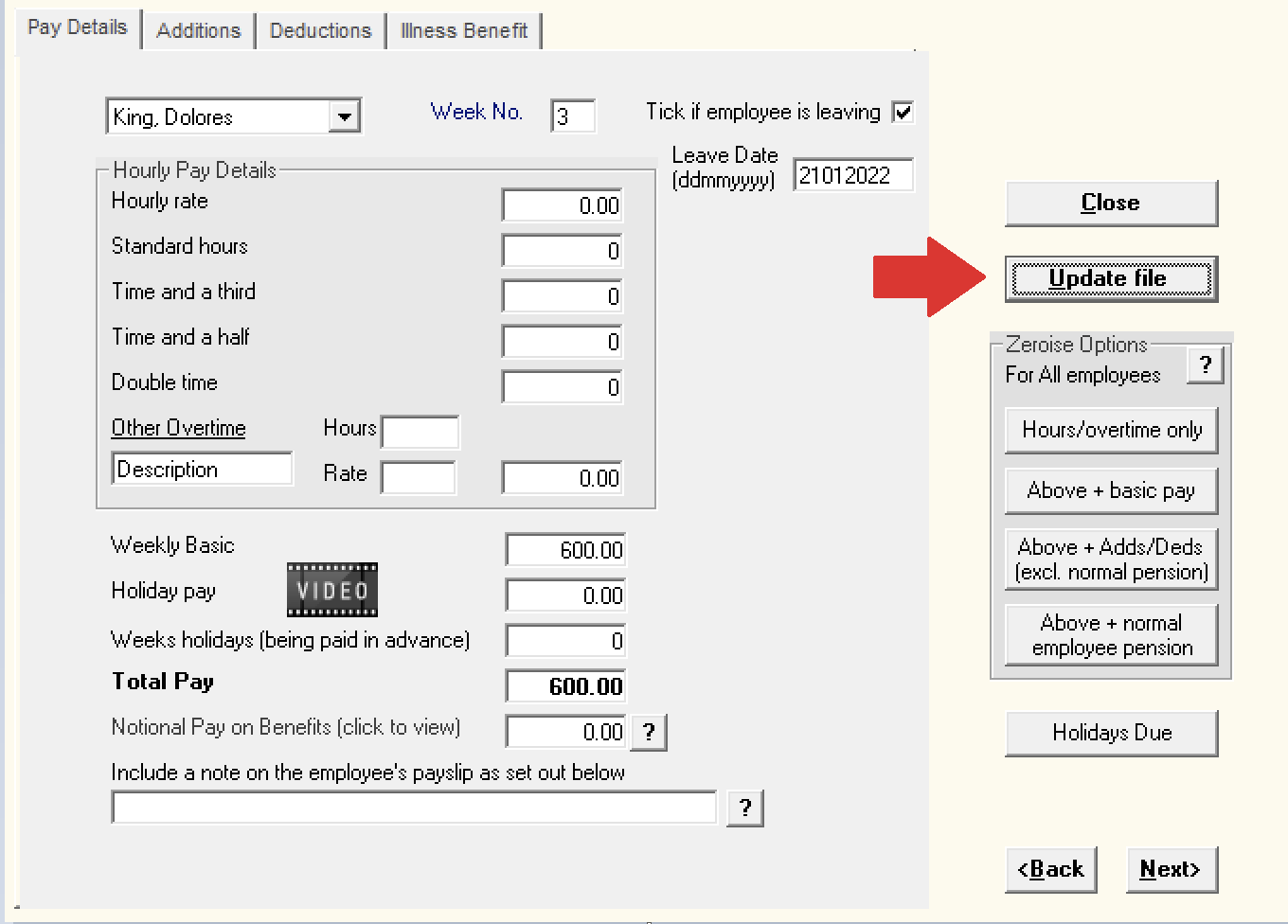
- To perform this task, simply access Process icon No. 3 and select the employee using the drop down listing:

- Next, enter all final pay items due to the employee
- Once all pay items have been entered, tick the field provided to indicate the employee is leaving:

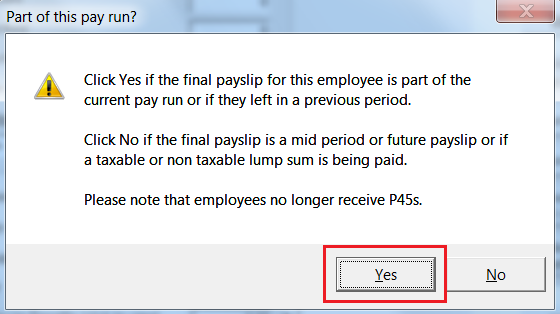
- At the prompt, click ‘Yes’ if it is correct that the employee is to be part of the current pay run you are processing:
- Enter the employee’s leave date, as required, in the field provided
- Click ‘Update File' to save the information you have entered
On updating your pay period using Process icon No. 5, the associated payroll submission that is created for you will now include details of the employee leaving and their leave date.
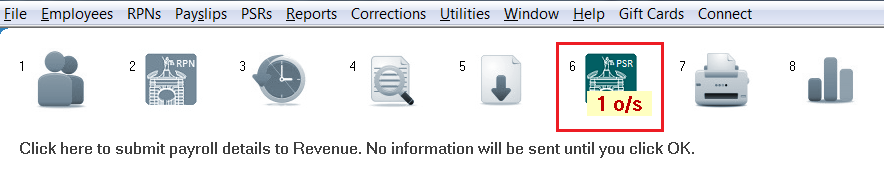
- Simply prepare and submit the payroll submission to Revenue using Process icon No. 6:
On successful submission, Revenue will now be notified that the employee has left your employment.
- The employee’s record will also now indicate that they have left the employment and they will no longer be included in any future pay runs.
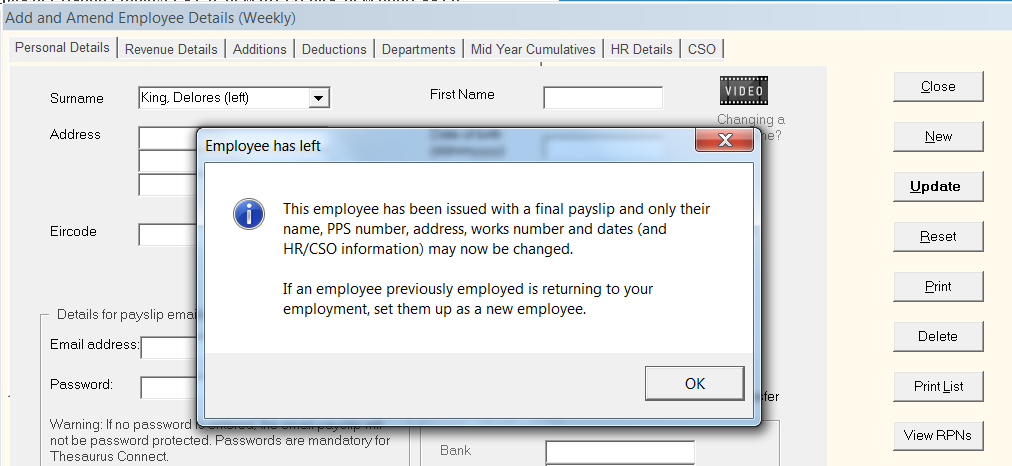
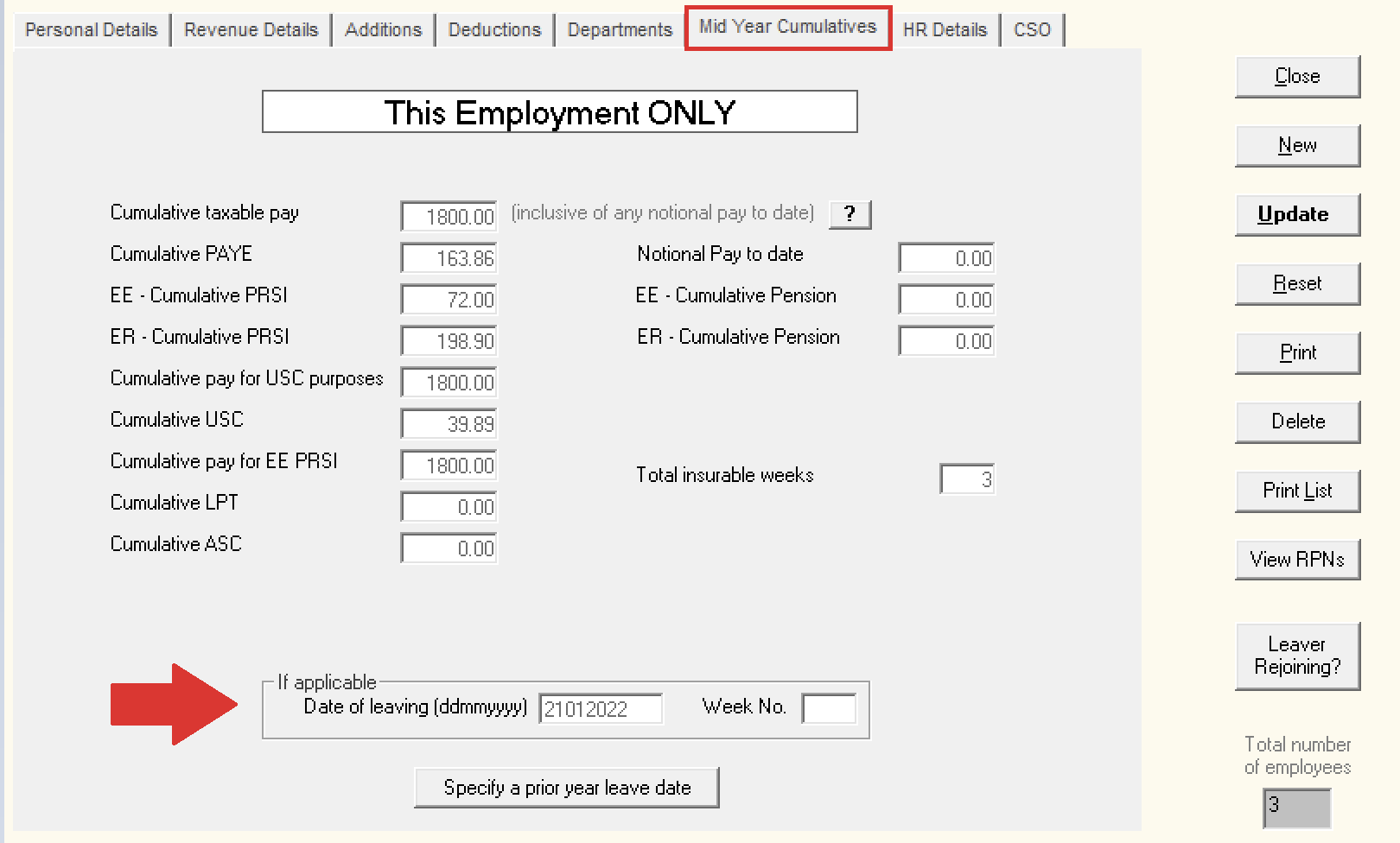
- The employee's leave date will also be available to view within their 'Mid Year Cumulatives' utility in their employee record.
Processing a leaver – accrued holiday pay and any additional pay
When an employee is leaving your employment, you must calculate any outstanding holiday pay due, along with any final payments, and include these in the employee’s final pay.
You can enter the holiday amount either in the Holiday Pay section or as an Addition. However, you should not enter any weeks into the field "Weeks holidays (Being paid in advance)", as the employee is not entitled to any additional insurable weeks when leaving.
Tax, PRSI and USC will be calculated based on this final week’s pay. This approach allows for the possibility that the employee may start work immediately in another employment.
Any underpayment or overpayment of Tax, USC or PRSI will be reviewed and corrected by Revenue where applicable.