
Since 1st January 2019, employers are no longer required to issue a P45 to an employee and submit the P45 Part 1 to Revenue.
Instead, an employee’s leave date will be reported to Revenue in the final payroll submission made for the employee.
In the event that you need to issue a final payslip to an employee to include a taxable or non-taxable lump sum payment, a dedicated facility is provided in the software to facilitate this.
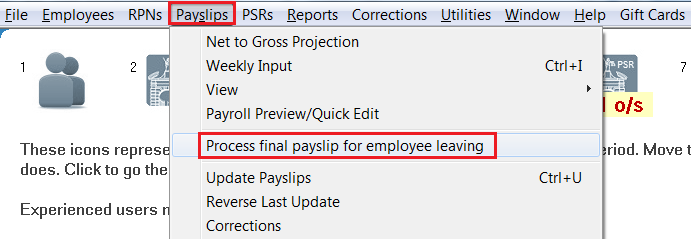
- To access this facility, go to ‘Payslips > Process final payment for an employee leaving’
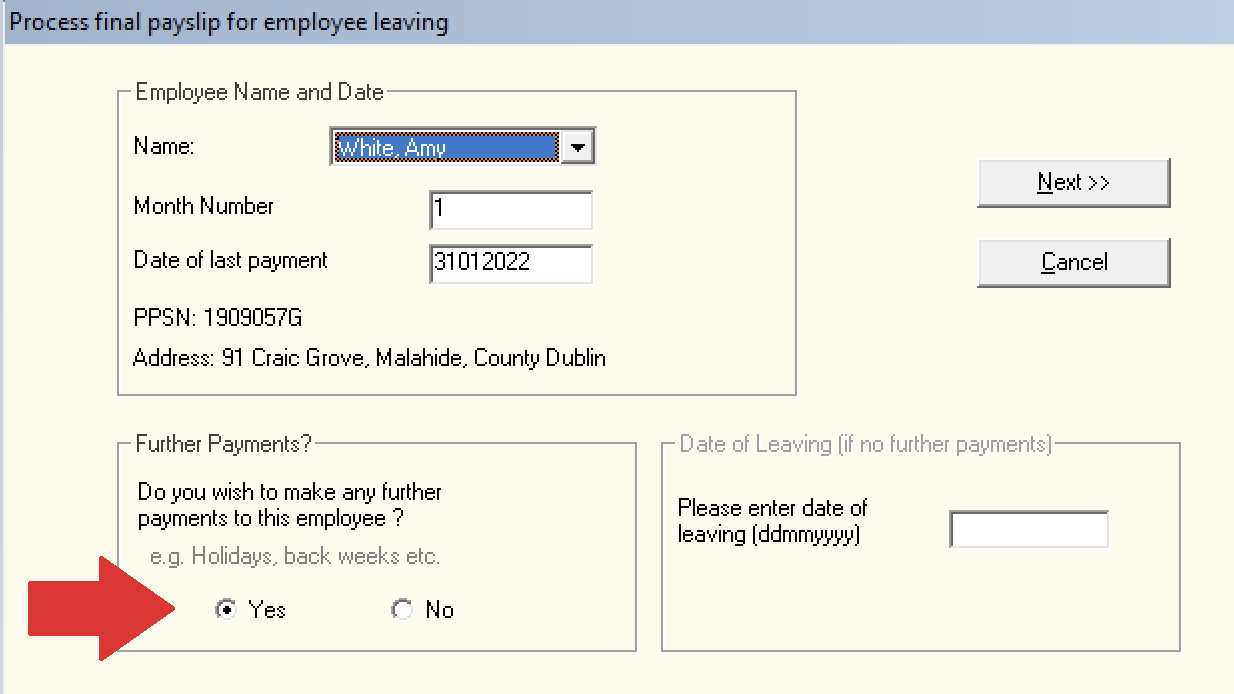
- Select the employee from the drop down menu and tick to indicate that you wish to make a further payment:
- If you are operating monthly payroll, you will be asked to enter the number of insurable weeks since the last pay period - enter accordingly.
- Complete the final payments screen accordingly, entering the taxable/non-taxable lump sum amount in the dedicated fields provided.
- Enter the employee's date of leaving in the yellow box provided.
Click 'Next' to continue.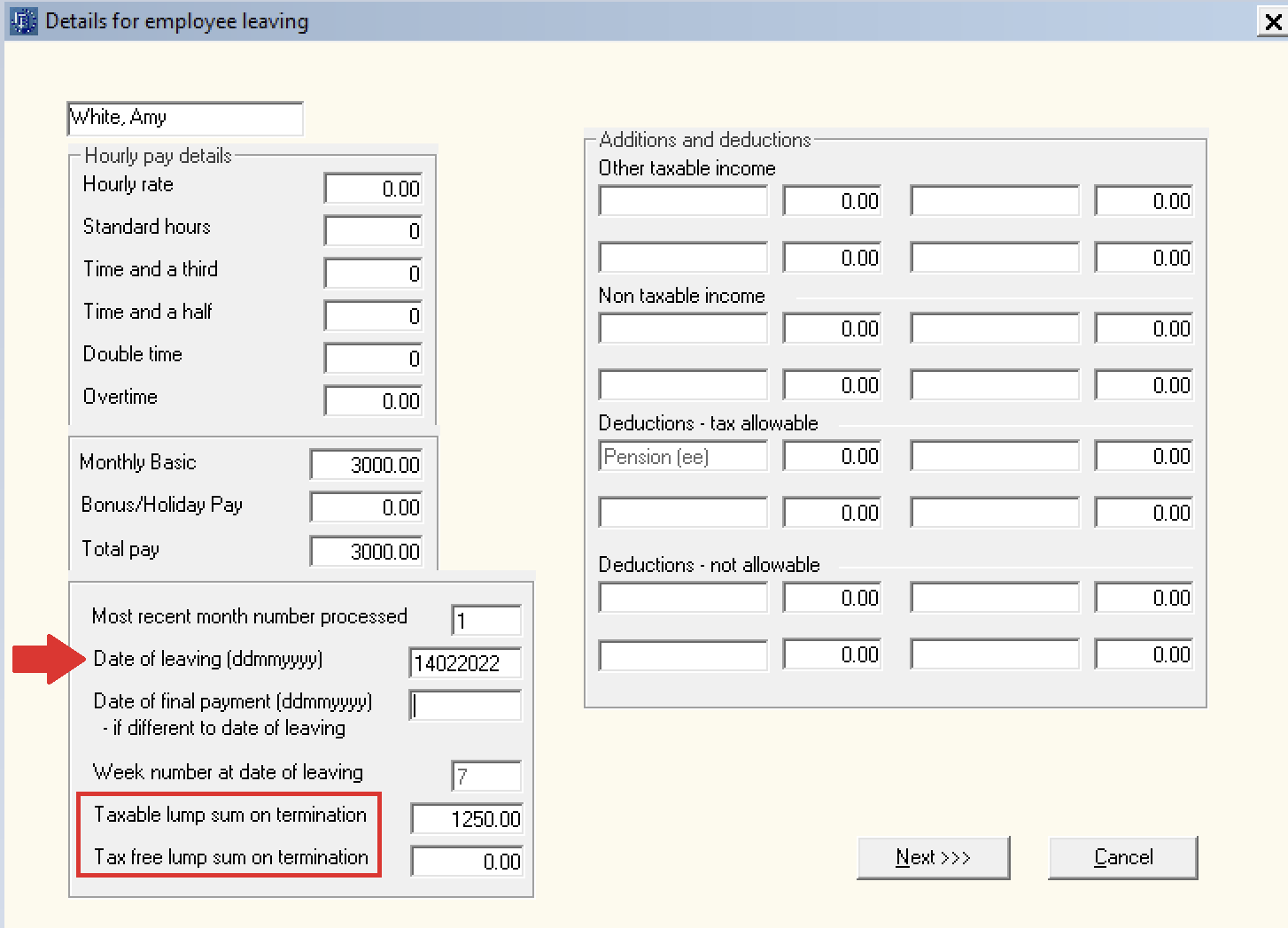
- The employee’s final payslip will now be displayed on screen. If all is correct, click ‘Finalise’.
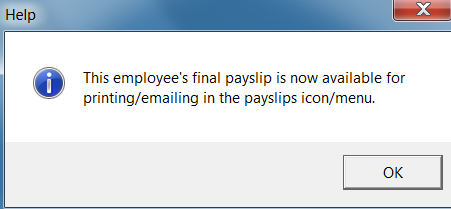
- The employee’s final payslip will now be available for printing or emailing within Process Icon No. 7.
At the time of finalising the final payment, a Payroll Submission (a PSR) will also be created which will include the details of the employee leaving and their leave date. Process icon No. 6 will indicate that this submission is outstanding: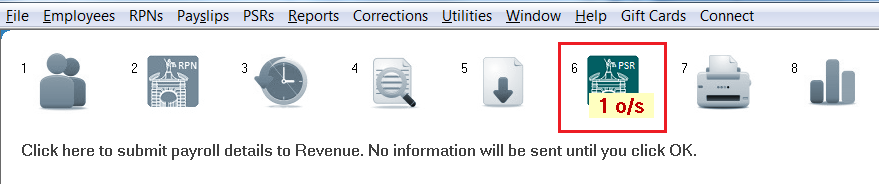
- Simply submit this to Revenue using Process icon No. 6
On successful submission, Revenue will now be notified that the employee has left your employment.
- The employee’s record will also now indicate that they have left the employment and they will no longer be included in any future pay runs.
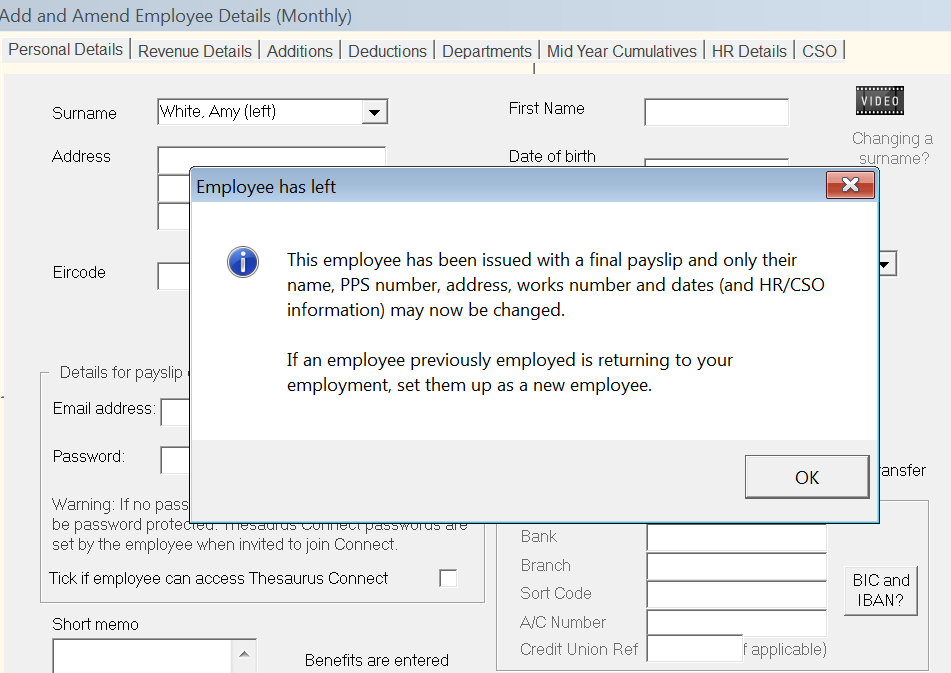
- The employee's leave date will also be available to view within their 'Mid Year Cumulatives' utility in their employee record.