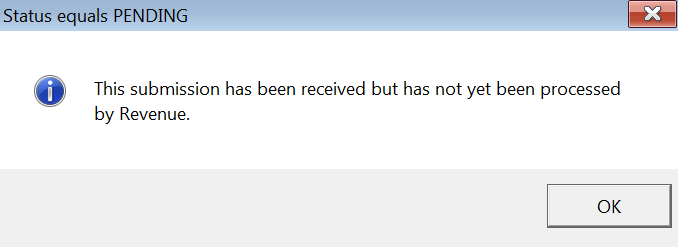
In the unlikely event that a payroll submission is returned from Revenue as 'pending', it is recommended that you re-check the submission after a period of time to ensure that Revenue have subsequently processed the PSR and that all payslips have passed validation.
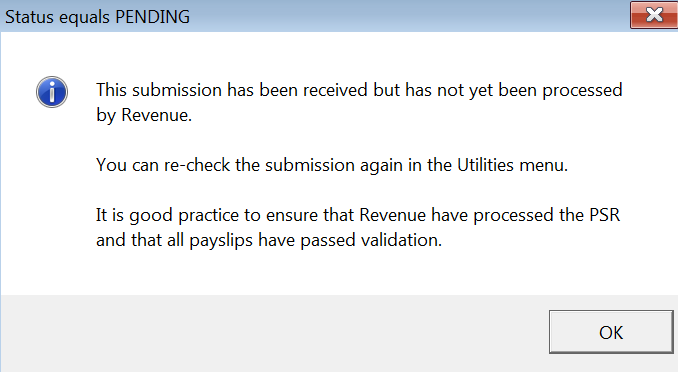
- To do this, go to Utilities > Recheck Payroll Submissions
- Click Check for payroll submissions previously marked as Pending
- Select Click to Recheck
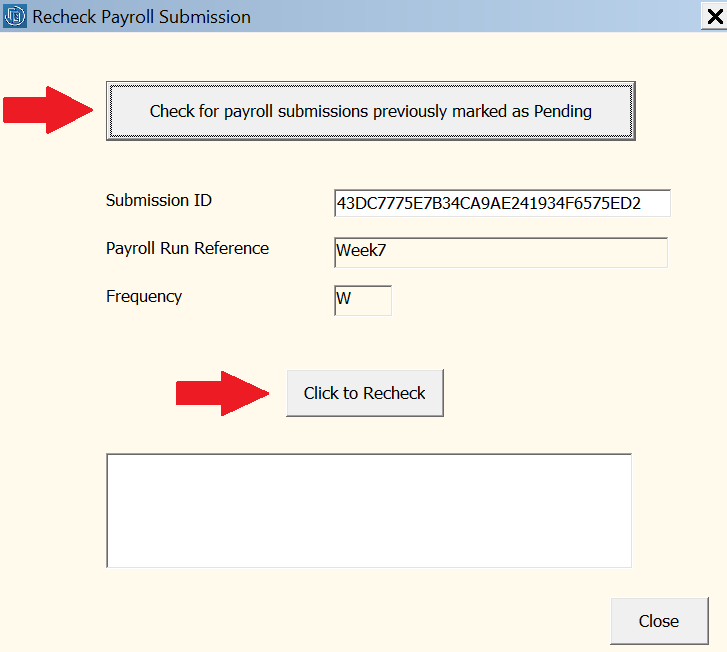
The software will automatically connect to Revenue’s systems and then confirm whether the submission is still 'pending' or has subsequently been accepted.