The Query Revenue Record utility allows a user retrieve the total amount of tax that Revenue have on record for them within a selected monthly period.
To access this utility, go to Reports > Tax Details > Query Revenue Record: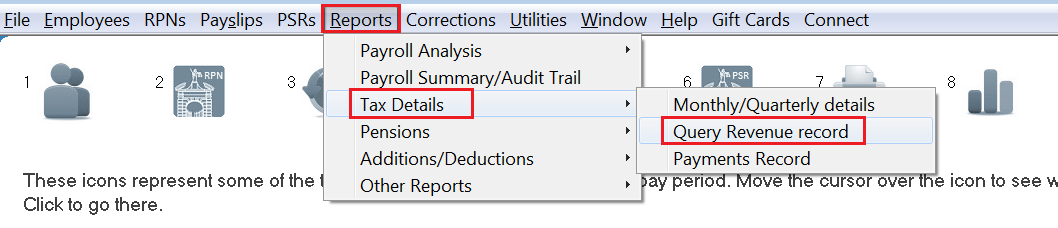
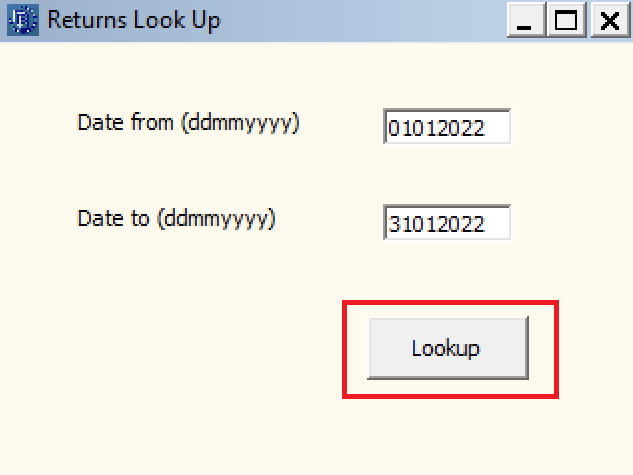
- Enter the date range required (dates entered must be within the same calendar month) and press Lookup.
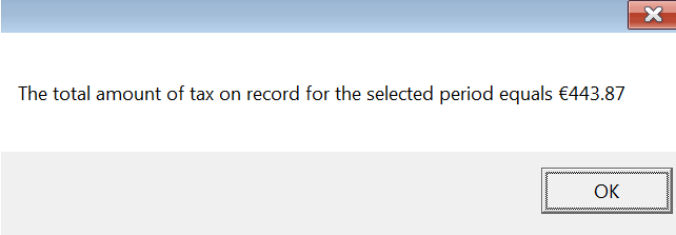
- The software will automatically connect to Revenue's systems and subsequently display on screen the total amount of tax on record with Revenue for the selected period: