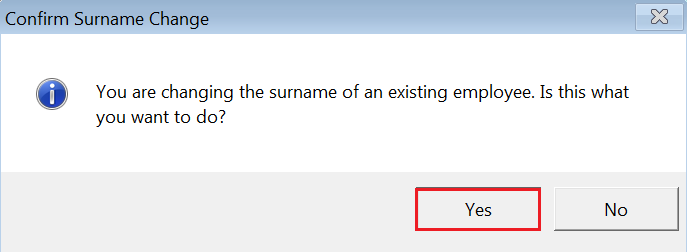
To amend an employee’s surname within Thesaurus Payroll Manager:
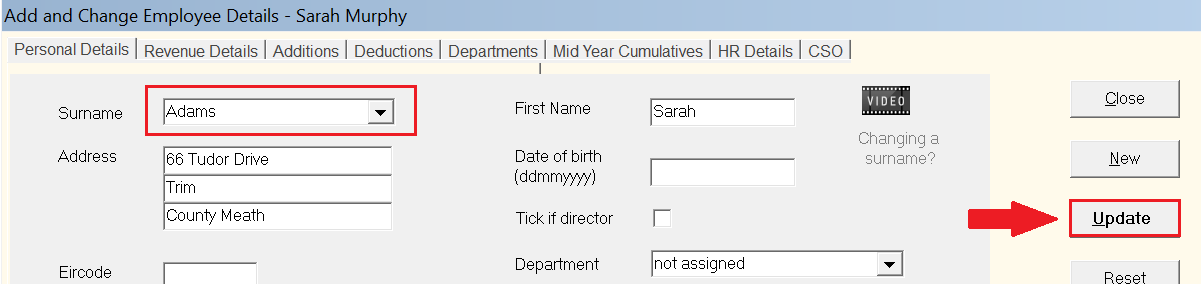
- Within Add/Amend Employees, select the employee in question using the Surname drop down menu.
- Left click at the end of the employee’s surname so that it is no longer highlighted in blue
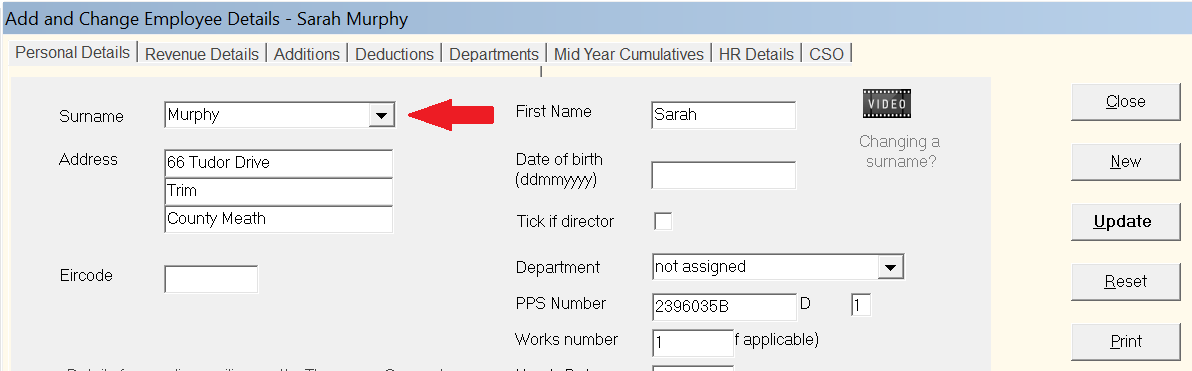
- Without deleting the original surname, type in the new surname directly after the old surname.
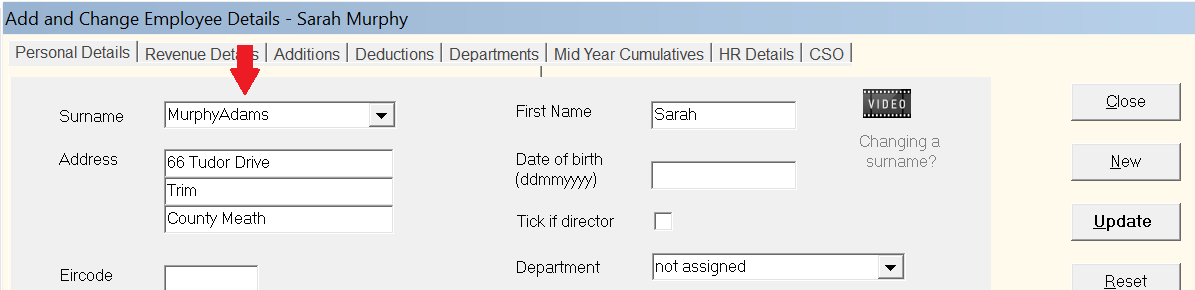
- Using your mouse or arrow keys on your keyboard, now place your cursor between the two surnames.
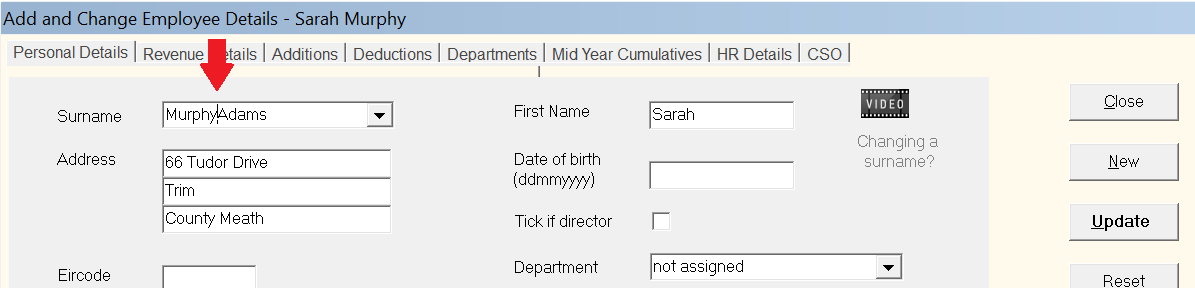
- Use your ‘backspace’ button on your keyboard to delete the old surname.
- When only the new surname remains in the surname field, click 'Update' to save your changes.
- Click 'Yes' to confirm the surname change.